
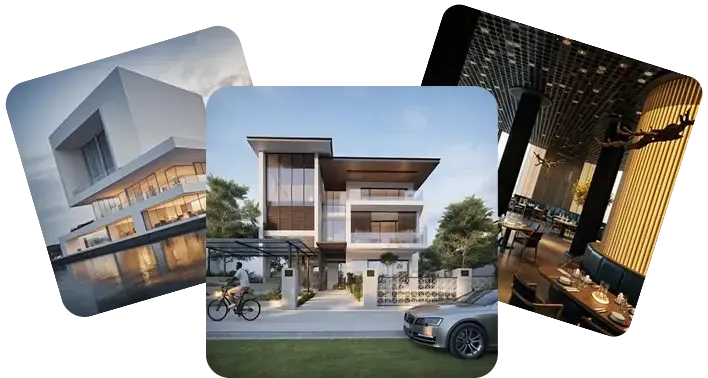
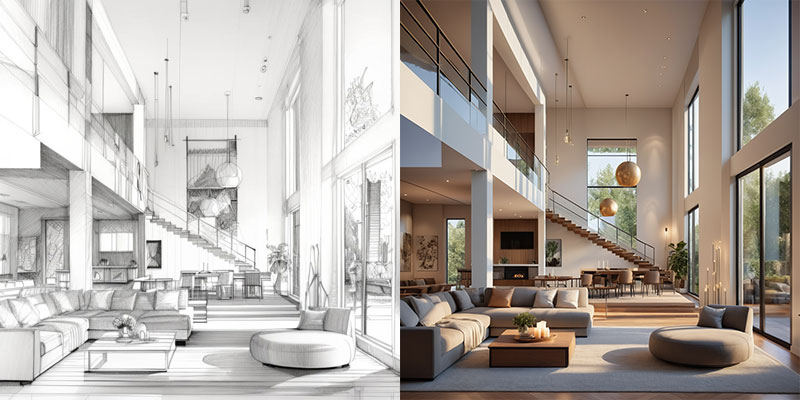

Modern Open-Concept Home Render to Video
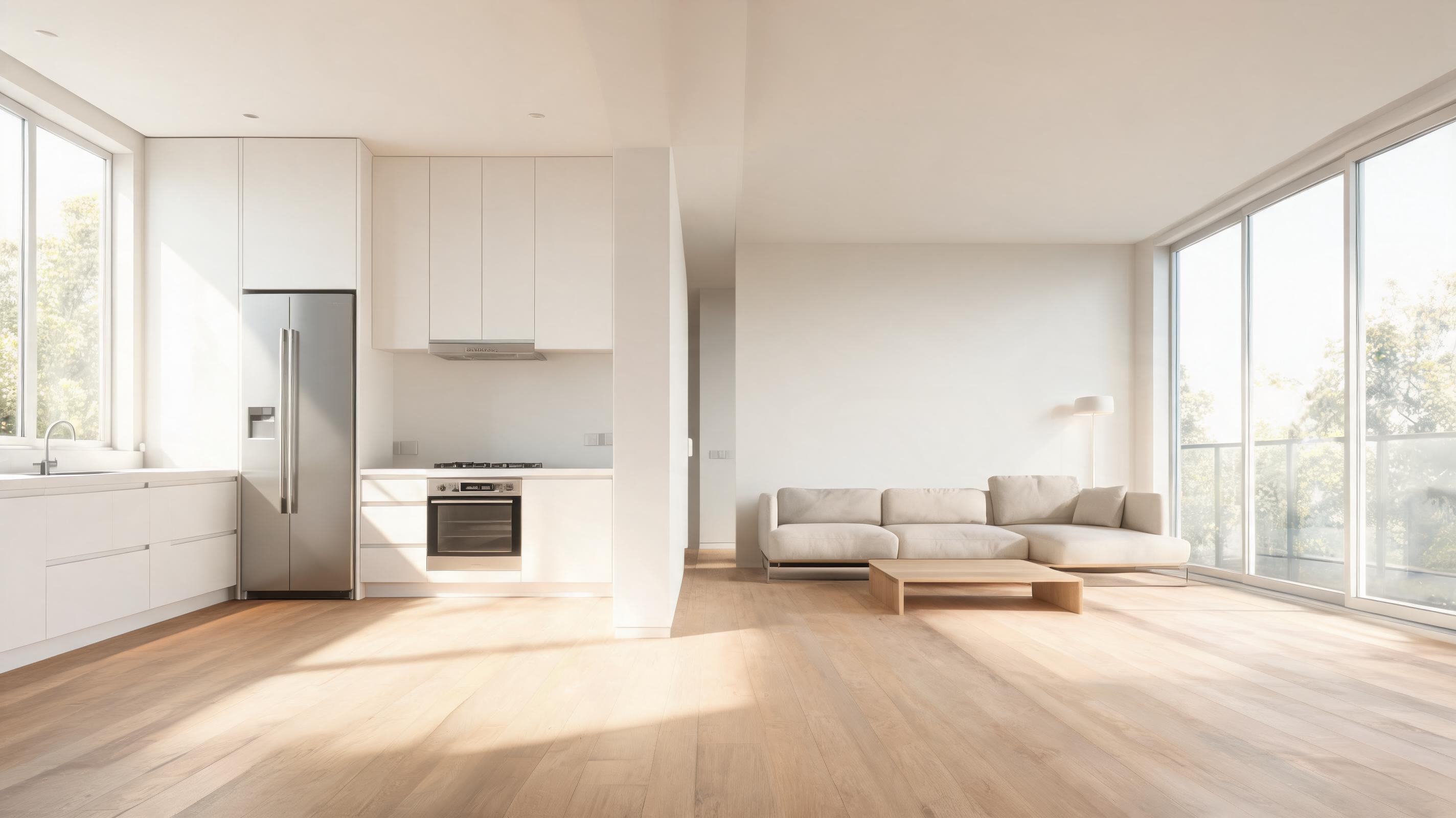
Static 3D render of a minimalist kitchen and living space converted to a slow panning video that highlights custom cabinetry, natural light flow, and open layout.
Convert still interior renders, property photos, and architecture concepts into professional short videos with smooth camera movement and spatial depth. Perfect for portfolios, property listings, and stakeholder review sessions.
Browse samples of static renders converted to professional, engaging video previews for different use cases.
Static 3D render of a minimalist kitchen and living space converted to a slow panning video that highlights custom cabinetry, natural light flow, and open layout.
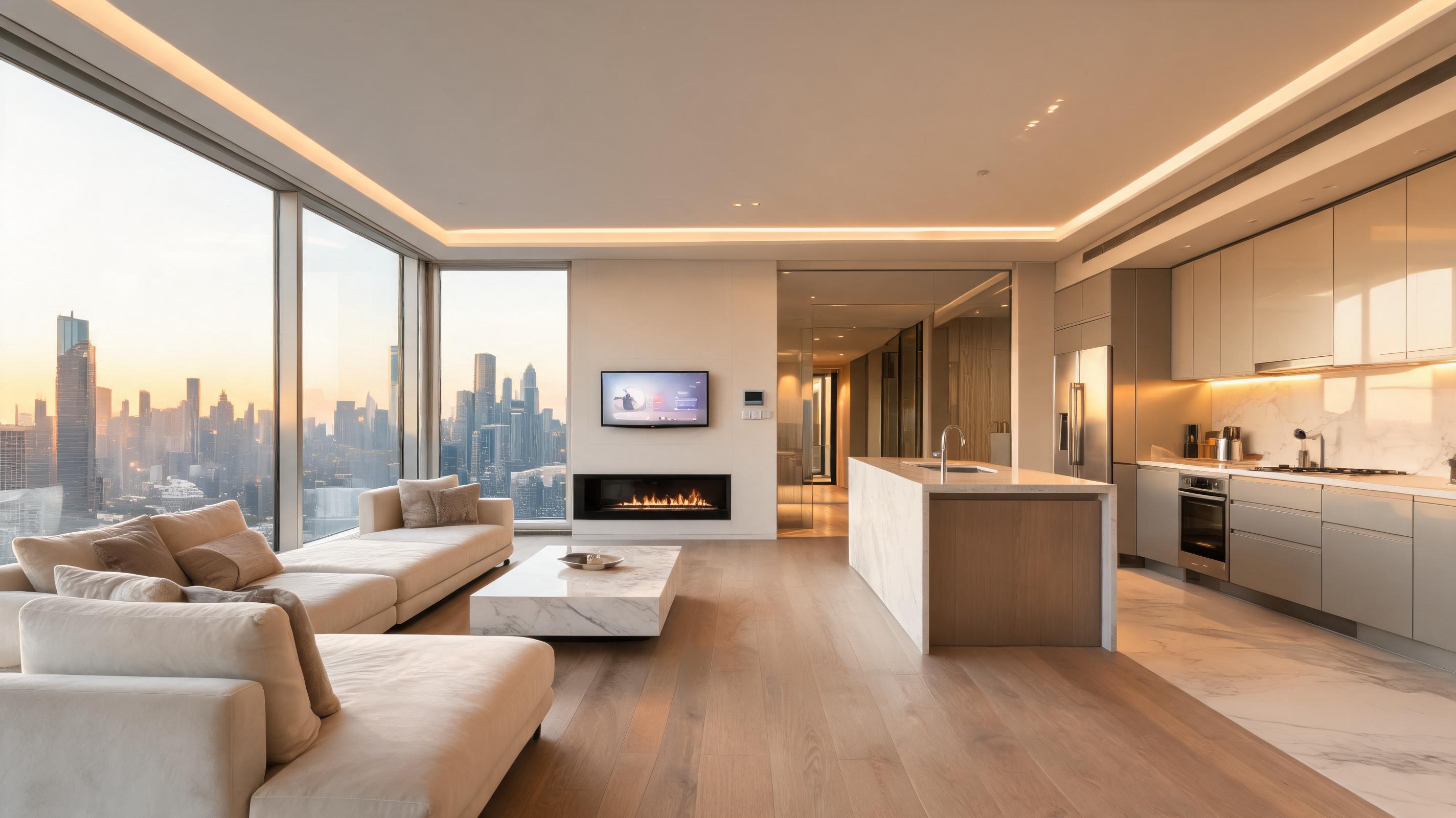
Finished photo of a high-rise condo interior turned into a gentle zoom-in video that showcases high-end finishes, skyline views, and smart home features.
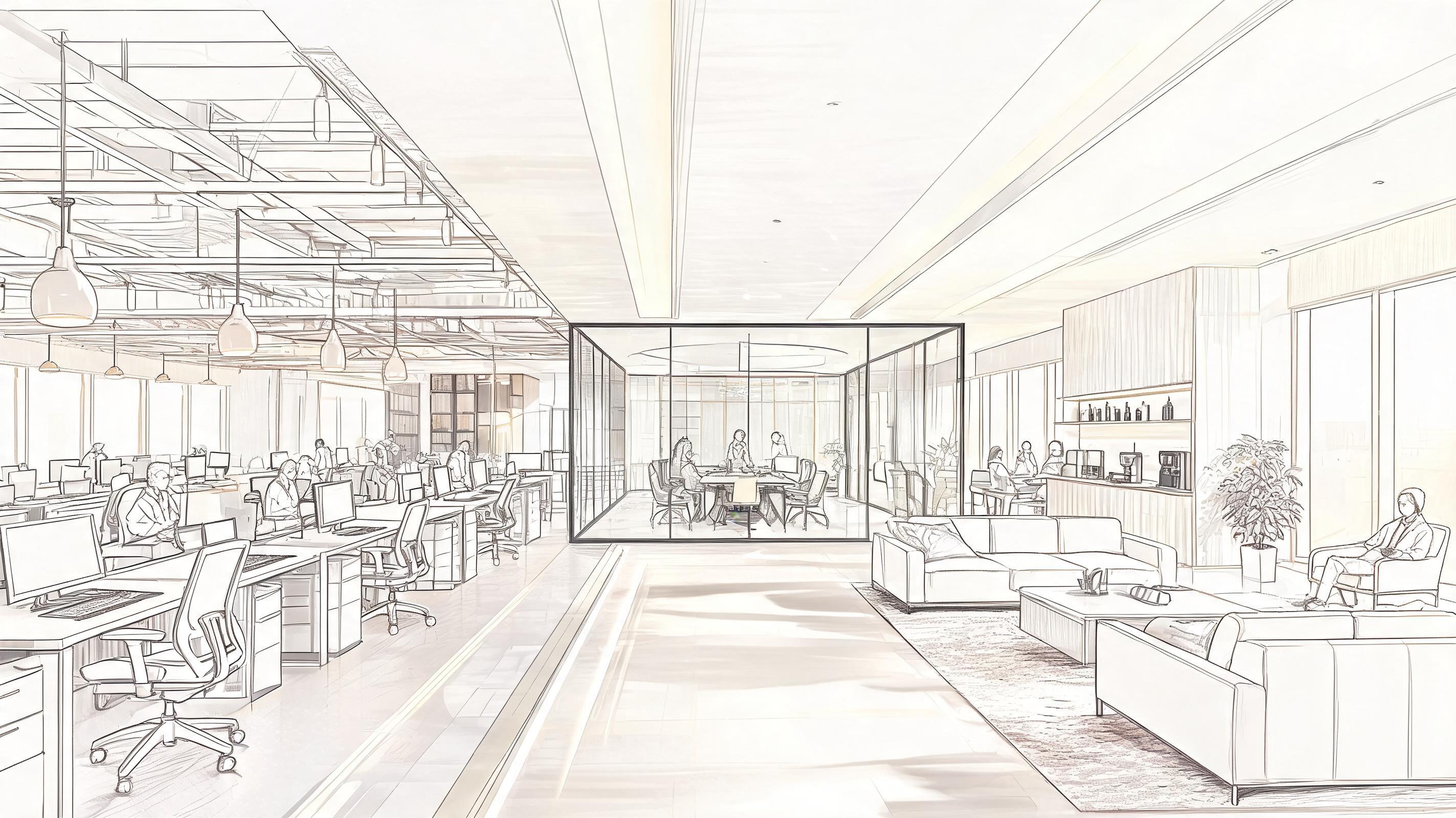
Sketch-style concept render of a shared office space converted to a walkthrough-style video that demonstrates seating zones, meeting rooms, and common area flow.
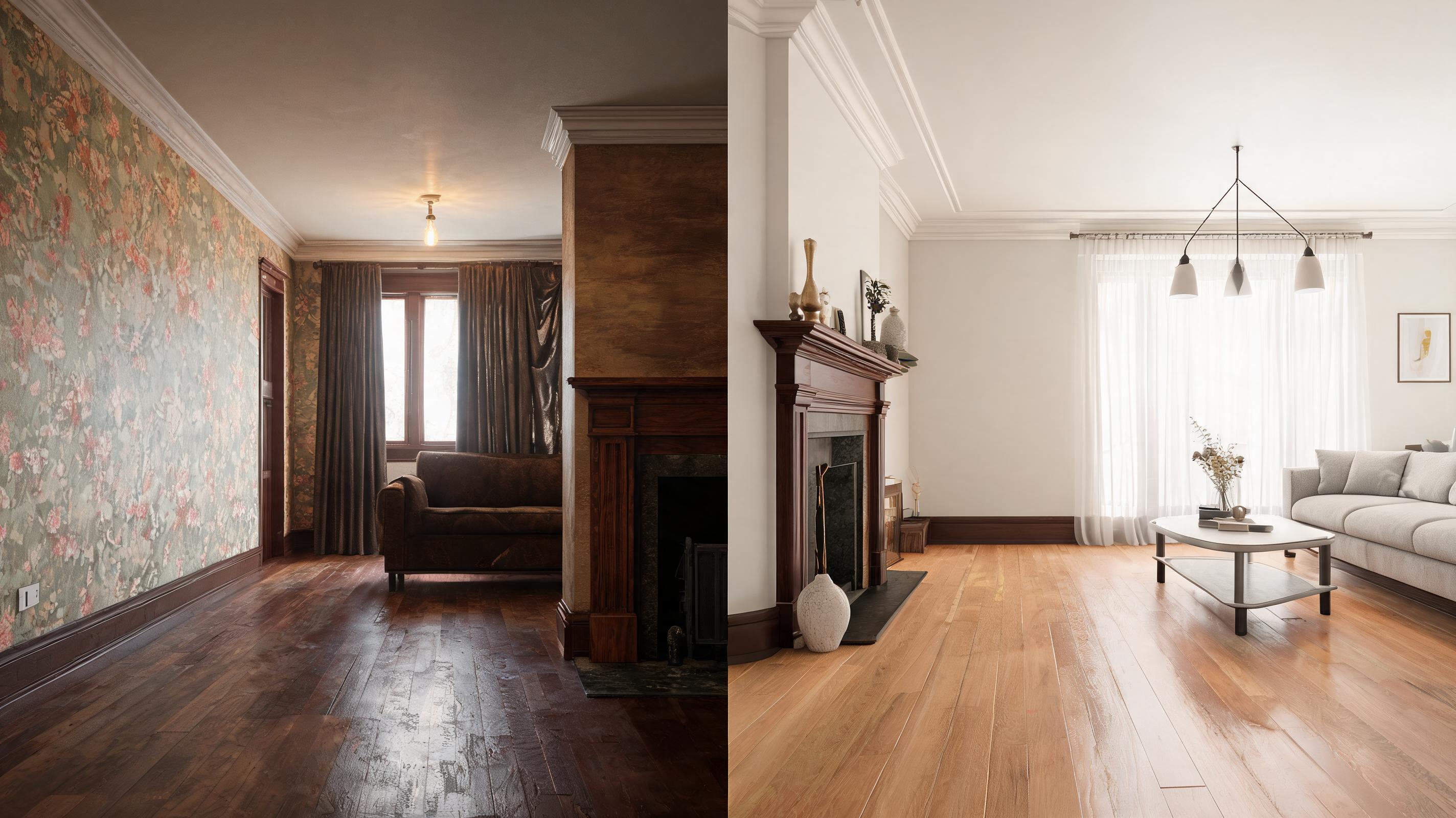
Pre-renovation design render of a 1920s bungalow interior turned into a video that shows proposed layout changes, updated finishes, and preserved original details.
Explore built-in tools designed to help AEC and real estate professionals create high-quality interior videos fast.
Pre-configured slow, smooth movement patterns designed specifically to highlight spatial flow, finishes, and design details without disorienting viewers.
AI retains accurate scale and depth of original interior renders, avoiding distorted perspectives or unnatural edits to your design intent.
Export videos in square, vertical, or 16:9 aspect ratios optimized for listing sites, Instagram, LinkedIn, portfolio pages, and stakeholder meetings.
Fully automated workflow eliminates the need for video editing software, 3D animation experience, or external production teams.
Generate full 15-30 second interior preview videos in 1-2 minutes, compared to hours of manual animation work.
Add custom logos, property listing tags, or design studio branding directly to your video output for professional, consistent sharing.
See how interior designers, real estate marketers, and architecture teams leverage this tool to improve engagement.
Convert finished property photos into short walkthrough videos to boost listing engagement and reduce in-person tour requests.
Turn static project renders into dynamic previews for client proposals, website portfolios, and social media content.
Share interactive, motion-enabled previews of unbuilt interior spaces with clients and project teams to speed up approval cycles.
Create bite-sized interior design and property tour clips for TikTok, Instagram Reels, and Pinterest to grow audience reach.
Generate low-cost virtual walkthroughs for apartment and vacation rental listings to attract qualified tenants faster.
Turn academic interior design renders into professional presentation videos to elevate final project submissions.
Follow our simple, no-editing workflow to convert any static interior visual into a polished, presentation-ready video.
Import any high-res static interior visual, including 3D renders, finished property photos, or design concept sketches, no special file formatting required.
Choose from pre-built cinematic presets like slow pan, zoom-in detail reveal, or gentle walkthrough motion tailored to interior spaces.
Let the AI render your video in 1-2 minutes, then export in resolutions up to 4K optimized for web, social, or presentation use.
This guide walks you through best practices for converting static interior visuals to high-performing videos, plus how to choose the right tool for your specific use case.
Start with a high-resolution source image that shows the full interior space without blurriness, overexposure, or cropped key details. If you are using a 3D render, export it at a minimum of 1920x1080 resolution with even lighting to ensure the AI can accurately detect spatial depth and design details. Avoid images with overlapping objects or obscured views of the main space, as this can lead to distorted motion or inaccurate perspective in the final video. For design concepts, include clear markers of layout and finishes to help the AI retain your design intent during the conversion process.
Select camera movement based on your audience and goal: slow horizontal pans work best for real estate listings, as they give viewers a clear sense of the full space layout. Gentle zoom-in movements are ideal for portfolio and client proposal videos, as they highlight specific premium finishes or custom design details. Walkthrough-style motion works best for stakeholder review presentations, as it simulates the experience of moving through the unbuilt space. Avoid fast or jerky movement presets for professional AEC and real estate use cases, as they can be disorienting for viewers and distract from your design or property.
Use AI interior render to video when you need a fast, low-cost preview for listings, social media, or preliminary stakeholder reviews: it cuts production time from hours to minutes and requires no animation skills, making it ideal for tight deadlines or small budget projects. It is not the best fit if you need fully interactive walkthroughs, custom character animations, or hyper-detailed motion sequences for high-budget marketing campaigns, which will still require manual 3D animation work. For most day-to-day use cases including portfolio updates, standard property listings, and internal project reviews, AI-generated interior videos deliver sufficient quality at a fraction of the cost and time of manual animation.
Adjust your export settings to match the platform you plan to share your video on: use 16:9 1080p resolution for property listing sites, LinkedIn, and portfolio pages. Use vertical 9:16 resolution for TikTok, Instagram Reels, and short-form social media content, and add text overlays or branding before sharing to boost engagement. For client presentations and stakeholder meetings, export in 4K 16:9 resolution to ensure fine design details are clearly visible on large screens. You can also add custom watermarks or property listing IDs directly to your video during export to maintain brand consistency and avoid unauthorized use of your content.
Adjust settings to tailor your video's pace, camera movement, and output format to your specific use case.
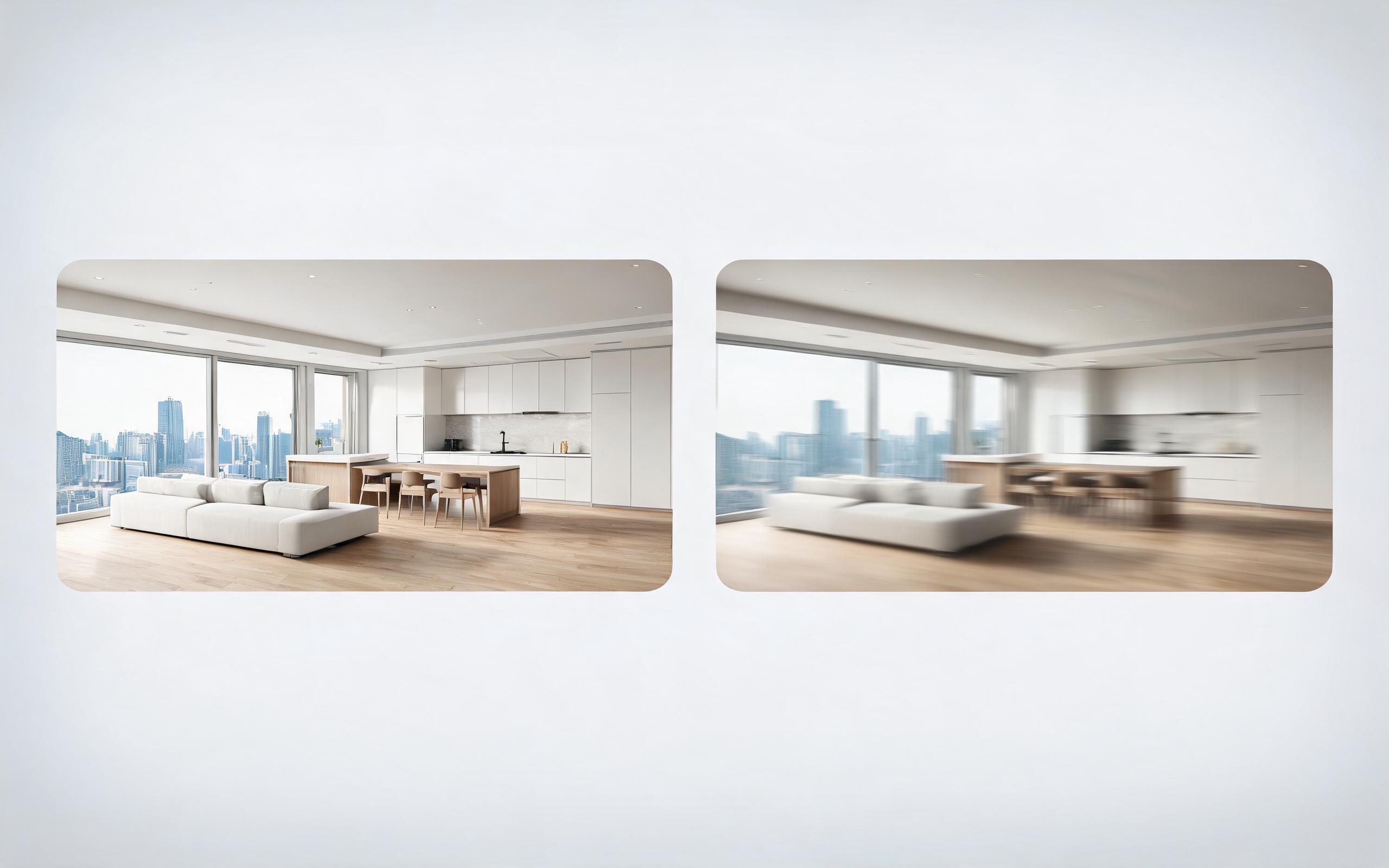
Turn architecture, interior, or property visuals into short AI video previews with slow camera movement, spatial depth, and presentation-ready pacing.
Open page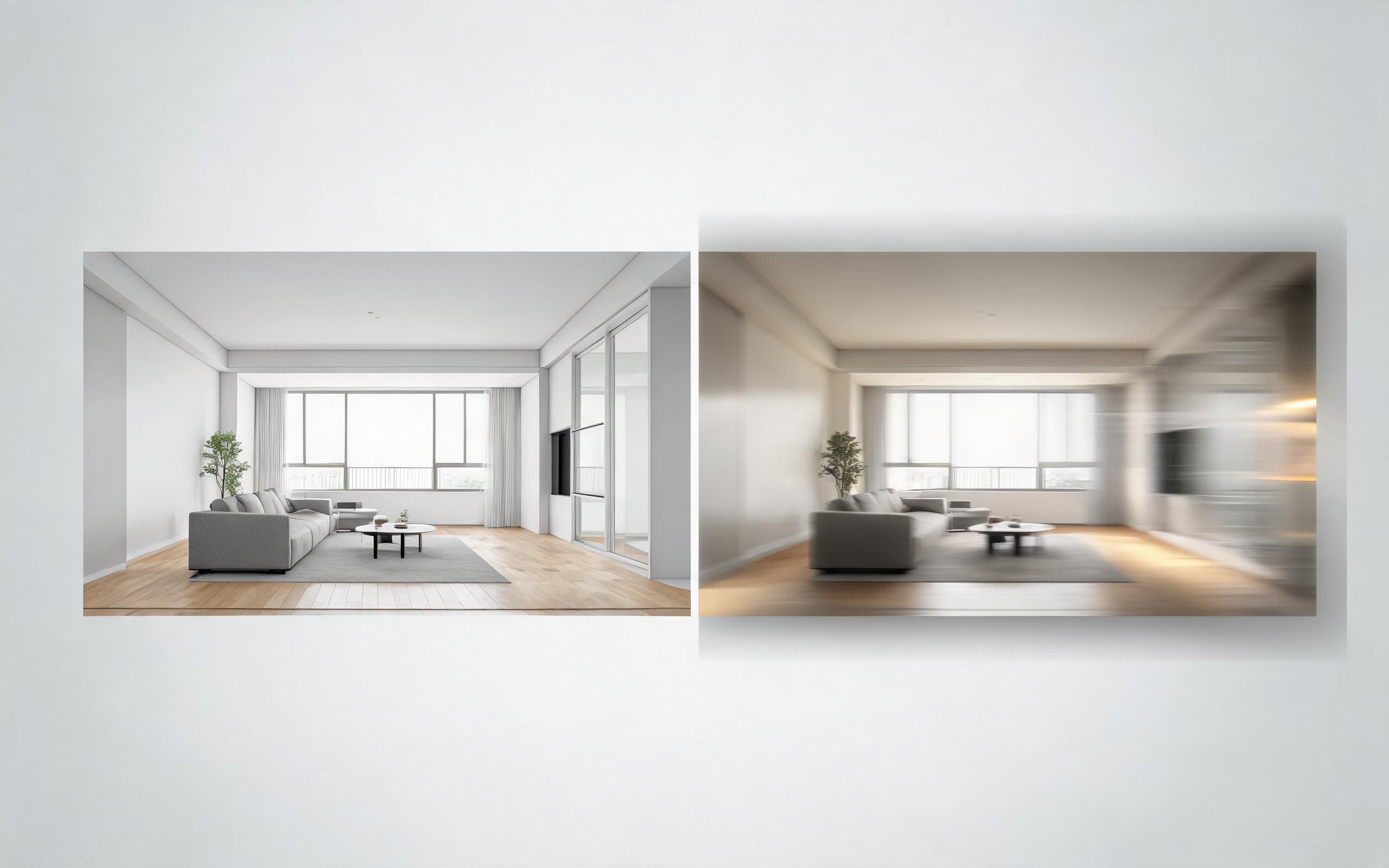
Turn architecture, interior, or property visuals into short AI video previews with slow camera movement, spatial depth, and presentation-ready pacing.
Open page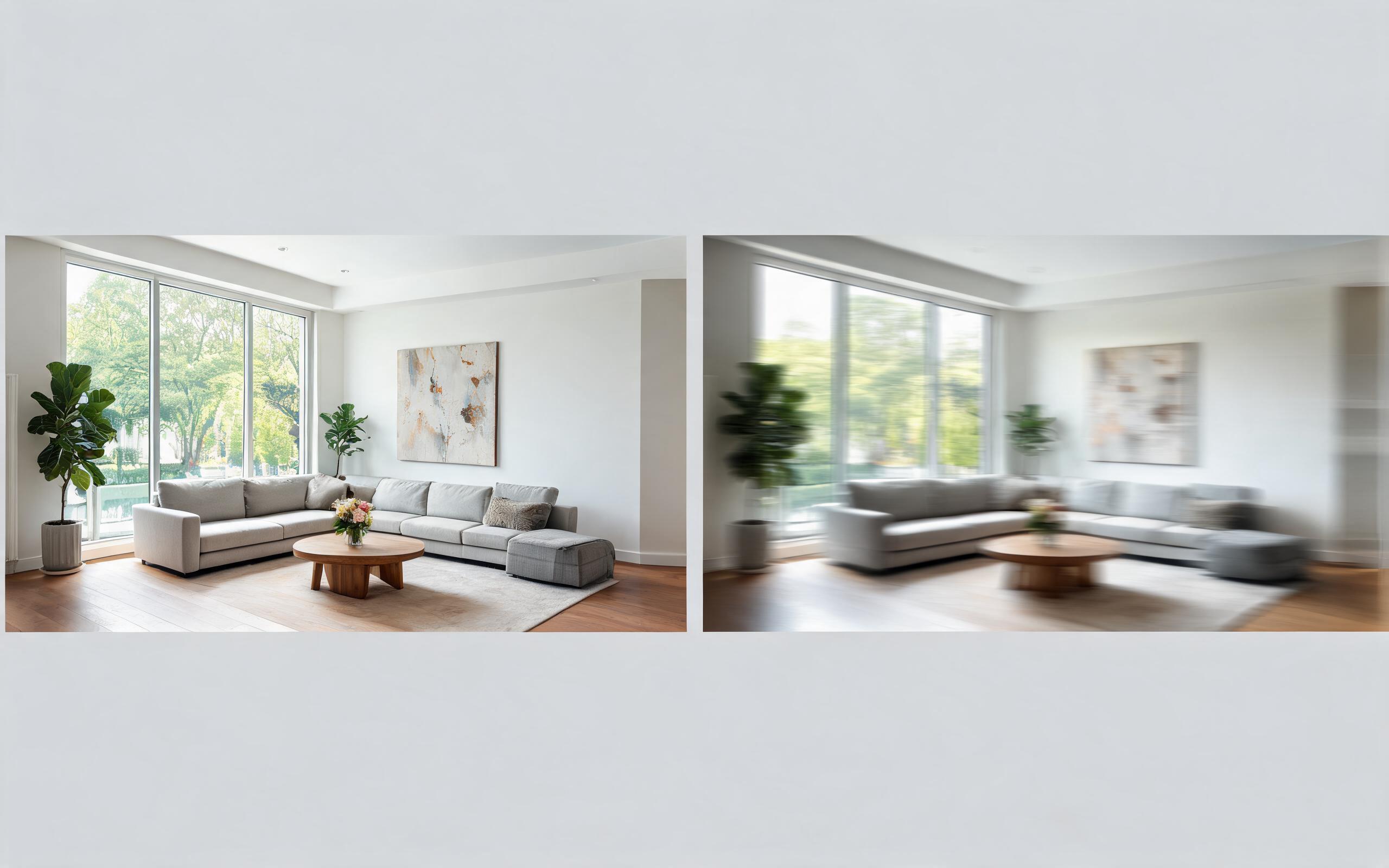
Turn architecture, interior, or property visuals into short AI video previews with slow camera movement, spatial depth, and presentation-ready pacing.
Open page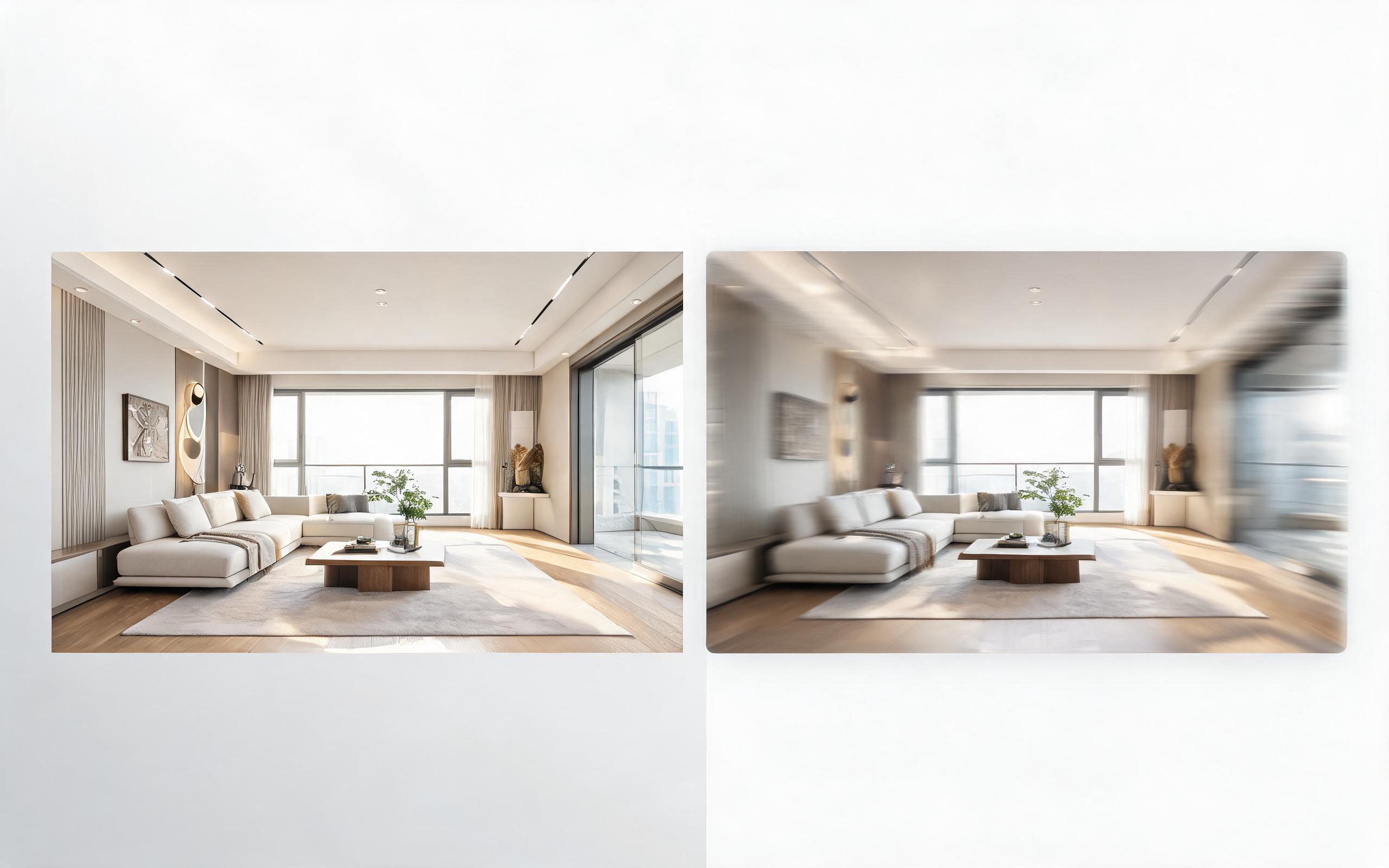
Turn architecture, interior, or property visuals into short AI video previews with slow camera movement, spatial depth, and presentation-ready pacing.
Open page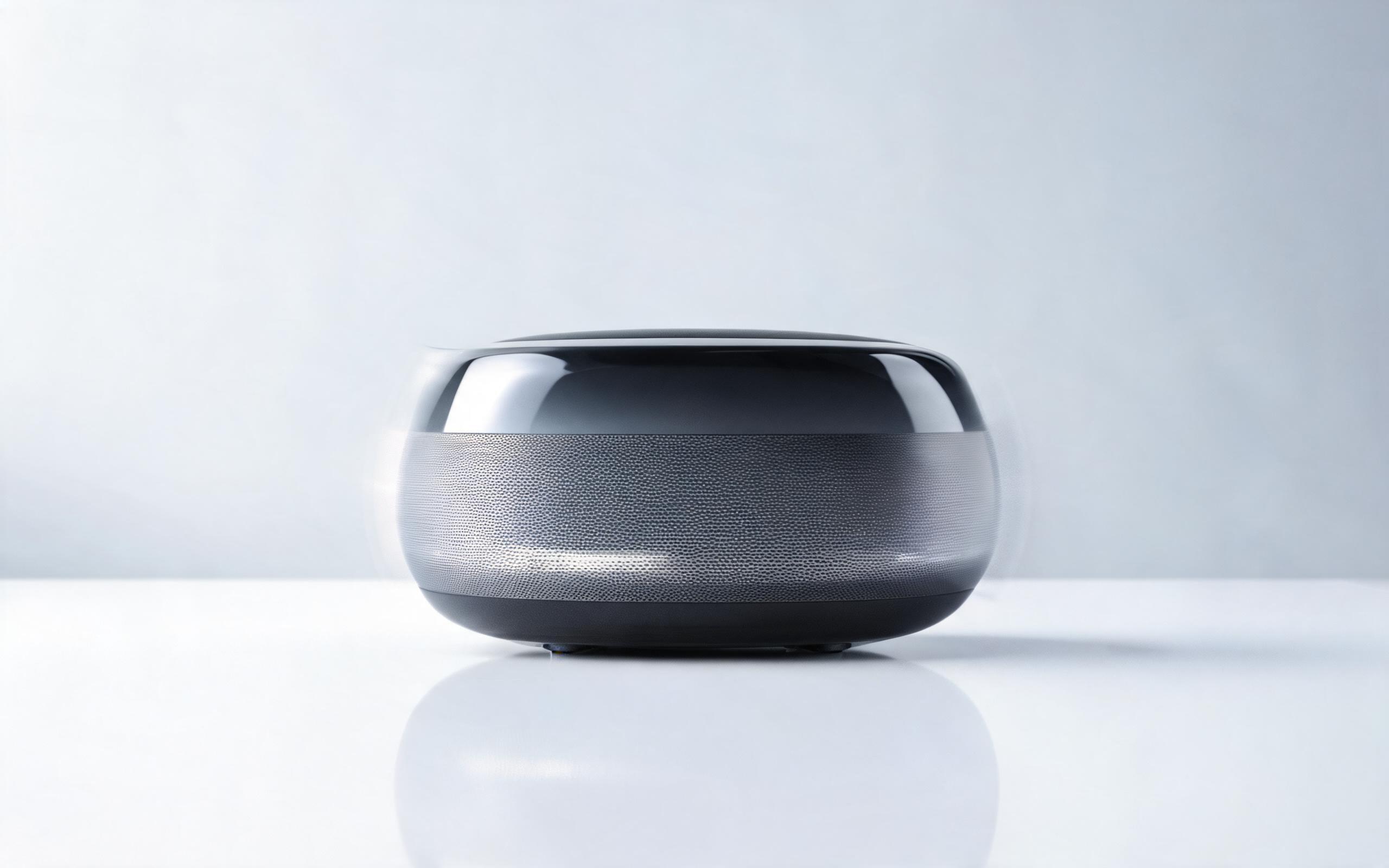
Turn a single product photo into a professional demo or showcase video with controlled motion, camera movement, and rotation for marketing and e-commerce.
Open page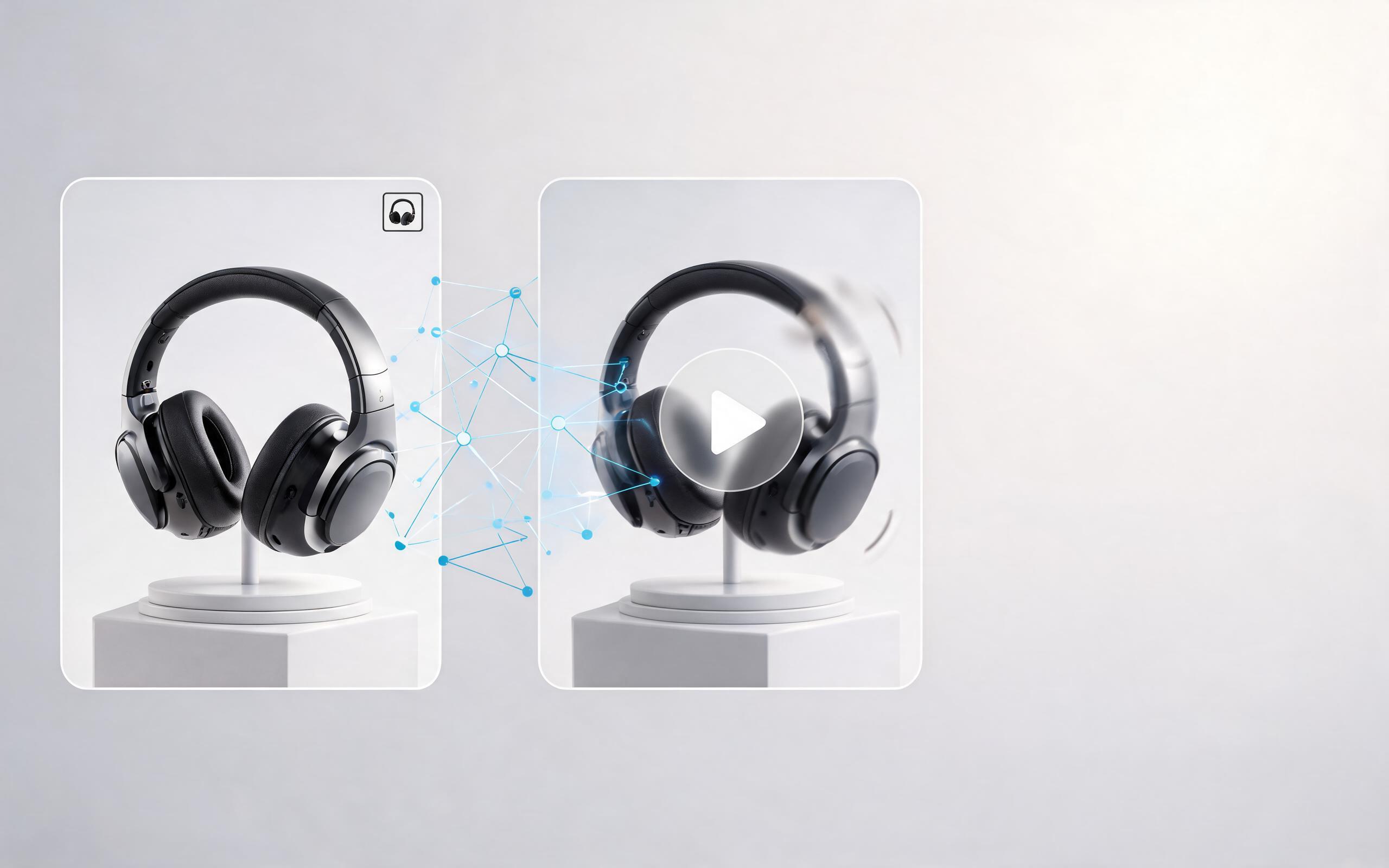
Use PromeAI image-to-video generation to create ai video for ecommerce product from existing images with clear product framing and channel-ready motion.
Open page
Skip the expensive animation teams and complicated editing software: generate polished, cinematic interior preview videos in minutes with PromeAI's AI interior render to video tool, no experience required.
Create Interior Render To Video
Technical support: [email protected]
Business collaboration: [email protected]
Trusted by 3M+ Creative & AEC Professionals
See what interior designers, architects, and real estate teams say about PromeAI's image to video tools.
This tool cut our interior render video production time from 4 hours to 2 minutes for client proposals.
We use these videos for all our luxury real estate listings and have seen a 32% lift in tour requests.
We can turn a single source image into several polished product video directions before committing budget to a full studio shoot.